ATS RESUME TEMPLATE
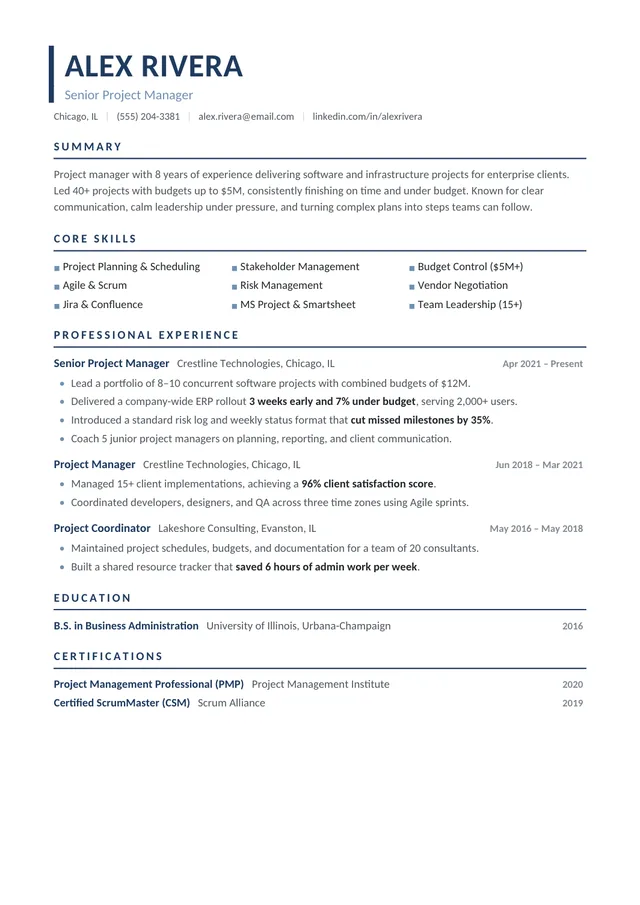
Free Technical ATS Resume Template
Google DocsMicrosoft WordOne Column
Structured presentation for technical experience
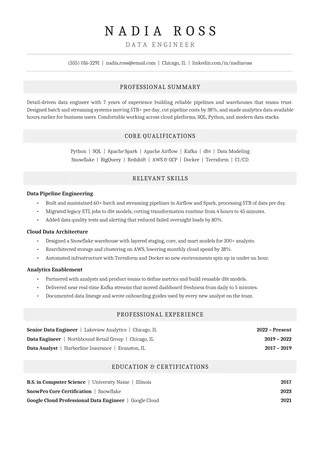
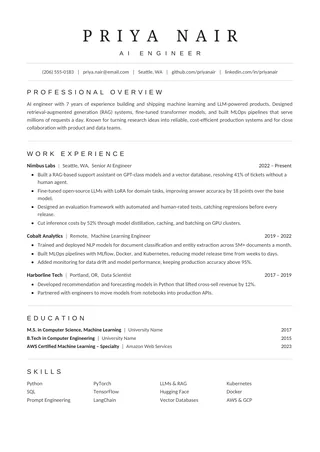
Technical ATS Resume gives room for practical tools, systems, and projects without requiring a job-specific infographic. The dark blue accent adds hierarchy to a straightforward page. It can support applicants whose work combines project delivery, technical operations, implementation, or system support.
No payment or registration is required to browse the templates. Google Docs may ask you to sign in to create an editable copy.
Template details
- Best for
- Engineers, technicians and IT support roles
- Length
- 1–2 pages
- Design
- Skill-focused professional structure
- Layout
- Single column
- Formats
- Google Docs and Microsoft Word (.docx)
- Price
- Free, no sign-up
USING THIS TEMPLATE
How to customize the Technical ATS Resume template
Keep technical skills specific and connect them to projects or results; a list of tools by itself rarely shows capability.
Describe technology in the context of work
List only tools and systems that are relevant to the job and that you can discuss confidently. A short technical skills section helps screening, but it is the achievement bullets that show how you used a tool. Instead of a long string of software names, describe a migration, rollout, troubleshooting process, or implementation and the result it produced. Be precise about your role on a team project. The page should explain both your technical vocabulary and your responsibility.
Keep projects distinct from employment when needed
If your strongest technical work happened in a project rather than a formal job, add a clearly labelled Projects section. For each project, state the goal, your contribution, the systems involved, and the outcome. Do not bury meaningful projects in a miscellaneous list of certifications. Projects can be particularly valuable when changing specialities, but they should support the roles you are targeting. If you have extensive professional experience, integrate projects under employers where appropriate instead.
Use a consistent layout for dense information
Technical resumes can become crowded when they include many acronyms, platforms, and credentials. Keep role descriptions readable with ordinary bullets, a reasonable line length, and consistent dates. Prefer grouping skills by category—languages, infrastructure, analytics, operations—only when the categories reflect your actual work. Avoid charts showing skill levels; numerical self-ratings rarely explain proficiency and may not transfer well through text extraction.
Review the exported skill names
Check important abbreviations after converting to PDF or DOCX. Copy-paste the final document into plain text to see whether product names, punctuation, and symbols remain legible. If a role title sits alongside several tool names, make sure the extraction order does not merge those lines. Then compare the final resume with the job posting for relevant terminology without pretending to possess every item in the requirements. Accuracy and readability are more useful than an inflated list.
Similar ATS resume templates to compare
If this layout doesn’t quite fit your experience, these are close alternatives:
- Executive ATS Resume: managers, directors and senior leaders (one page).
- Professional ATS Resume: finance, legal and other formal industries (one page).
- Classic Professional ATS Resume: traditional employers and conservative fields (one page).
Or see the full list of professional ATS resume templates.
Final check for this layout
Match terminology in the job posting only if the tools and methods are part of your actual experience. Before submitting, check the final file's selectable text and follow the employer's upload instructions. For practical help, use the ATS resume format guide and our ATS resume guide.