ATS RESUME TEMPLATE
Free Classic Professional ATS Resume Template
Google DocsMicrosoft WordOne Column
A familiar professional format with chronological experience
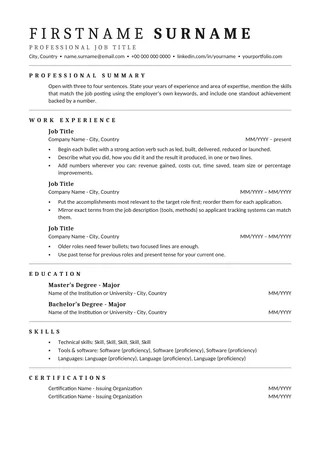
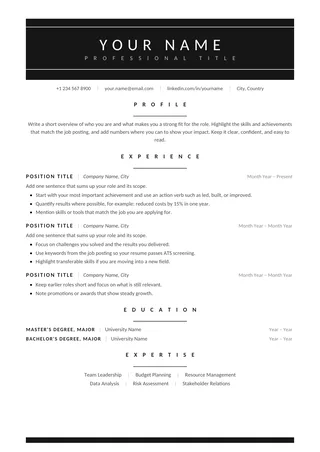
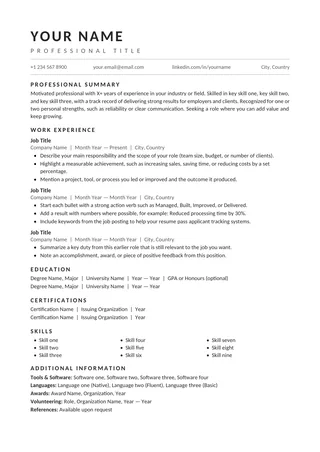
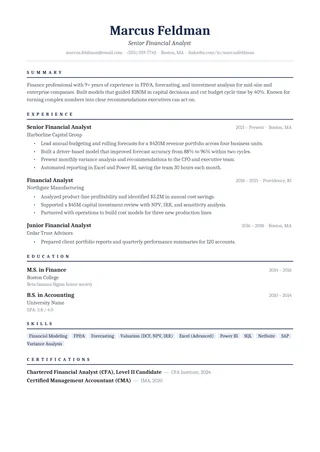
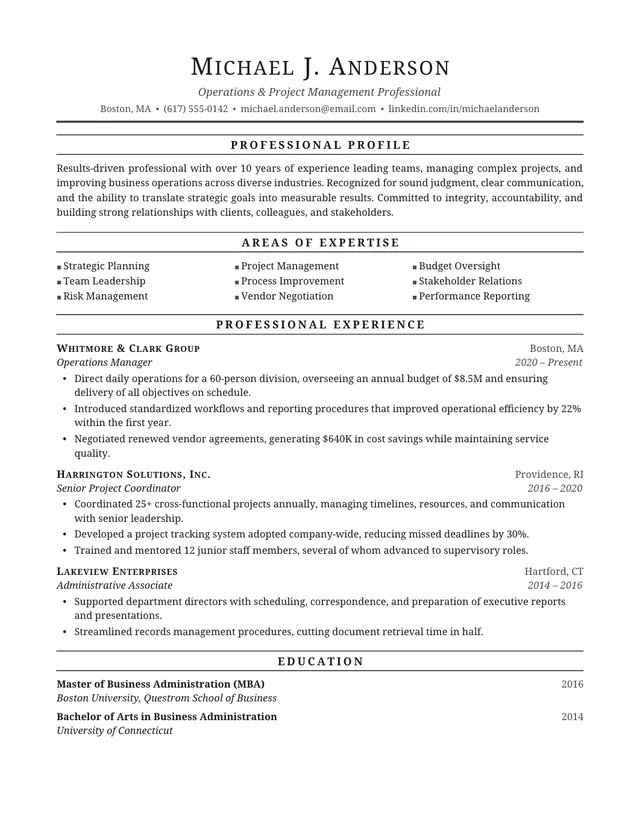
Classic Professional ATS Resume follows a conservative hierarchy and puts employment history in a familiar order. The restrained type and spacing are a good fit for applicants who want hiring teams to focus on career progression. It can be adapted broadly without changing the document into a different style.
No payment or registration is required to browse the templates. Google Docs may ask you to sign in to create an editable copy.
Template details
- Best for
- Traditional employers and conservative fields
- Length
- One page
- Design
- Traditional chronological format
- Category
- Classic ATS Resume Templates
- Layout
- Single column
- Formats
- Google Docs and Microsoft Word (.docx)
- Price
- Free, no sign-up
USING THIS TEMPLATE
How to customize the Classic Professional ATS Resume template
This template helps readers see a career path; organize roles and results consistently instead of adding visual complexity.
Show progression, not just tenure
List recent roles first and make increasing responsibility visible. If you moved from analyst to manager, describe the shift in scope rather than repeating the same duties under both titles. Put the organization and date range close to each job title so readers understand the timeline at a glance. If there are employment gaps, do not disguise them with a confusing format; use straightforward dates and let the evidence in the experience section carry the story.
Keep the classic layout predictable
One benefit of traditional formatting is that both recruiters and common resume parsers tend to recognize the structure. Use bold headings for Work Experience, Education, and Skills, and avoid decorative replacements. Align details with simple paragraph formatting rather than layered text boxes. Maintain a readable font size and consistent line spacing. Small improvements in consistency often make more difference than adding extra design elements.
Prioritize relevant achievements
Not every responsibility deserves a bullet. Select work that supports the requirements of the position you want. For each recent job, include a specific contribution with scope or result when possible. If you supervised people, indicate how many or what changed under your leadership; if you handled systems, name only tools you actually used. This layout makes generic wording stand out, so edit ruthlessly. Keep the skills list short enough to be credible.
Review after switching editors
Traditional documents can be sensitive to changes in default paragraph styles between Word and Google Docs. After opening or downloading, inspect section breaks, font weight, and indentation before editing the text. Export a test PDF and copy it into a plain-text editor to confirm that employer names and dates stay together. Finally, follow the application portal’s specified file type rather than guessing what its software prefers.
Similar ATS resume templates to compare
If this layout doesn’t quite fit your experience, these are close alternatives:
- Traditional ATS Resume: banking, government and other conservative sectors (one page).
- Centered ATS Resume: a traditional look with a centered header (one page).
- Chronological ATS Resume: steady career progression in one field (one page).
Or see the full list of classic ATS resume templates.
Final check for this layout
Lead experience bullets with action and outcome, not just a list of duties. Before submitting, check the final file's selectable text and follow the employer's upload instructions. For practical help, use the ATS resume format guide and our ATS resume guide.