ATS RESUME TEMPLATE
Free Chronological ATS Resume Template
Google DocsMicrosoft WordChronological
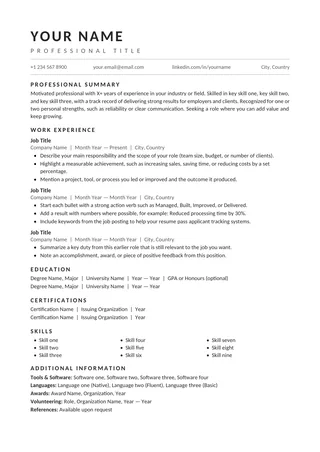
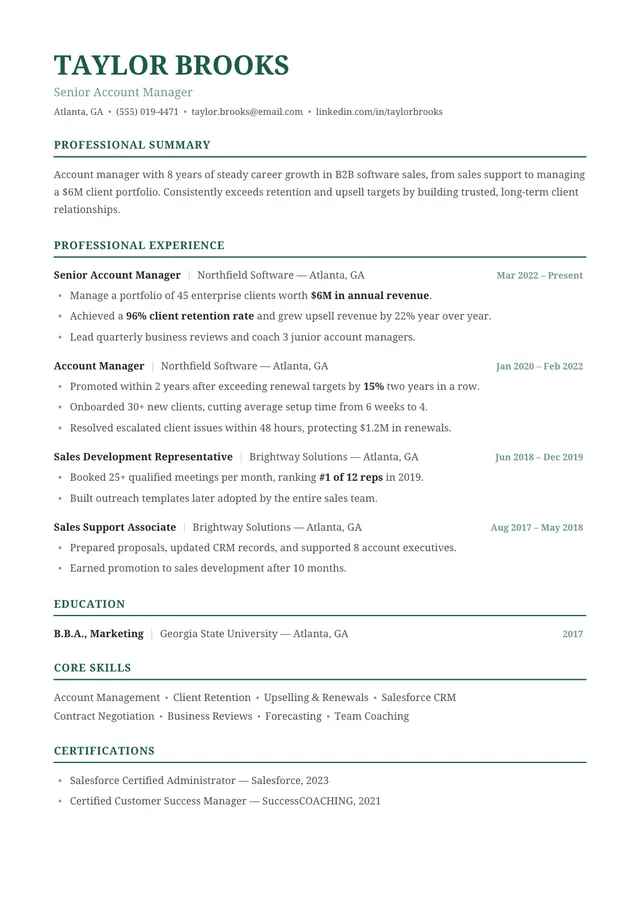
Reverse-chronological employment history with subtle green accents
Chronological ATS Resume presents career history from the newest position backward and uses understated green headings to separate sections. Its strength is making changes in responsibility easy to see across roles. The layout serves applicants whose recent experience tells a clear story and who do not need a skills-first format.
No payment or registration is required to browse the templates. Google Docs may ask you to sign in to create an editable copy.
Template details
- Best for
- Steady career progression in one field
- Length
- One page
- Design
- Reverse-chronological work history
- Category
- Classic ATS Resume Templates
- Layout
- Single column
- Formats
- Google Docs and Microsoft Word (.docx)
- Price
- Free, no sign-up
USING THIS TEMPLATE
How to customize the Chronological ATS Resume template
Your employment timeline is the central feature; make dates, promotions, and recent accomplishments exceptionally clear.
Put the most relevant recent position first
Reverse chronological means your latest job normally appears at the top, even if an older role was in another industry. Within the latest job, lead with the work closest to the target posting and then add other substantial outcomes. A recruiter should not need to search through several years of history to find your current expertise. If you held several positions with the same employer, make the promotions and date ranges clear instead of collapsing everything into one vague entry.
Use dates consistently
Choose a month-and-year convention and repeat it for every role. If a job is ongoing, indicate “Present” clearly. Keep start and end dates next to the correct employer; unusual tabs or pasted spaces can move them after export. This is especially important for resumes with several consecutive positions. Avoid elaborate timeline graphics, which take up space without adding information that ordinary dates cannot provide.
Let section color stay decorative
The green accents can make headings easy to spot, but all section names and role details should remain regular selectable text. Do not put the only copy of a company name or date inside an image. When converting to PDF, confirm that the colored rules have not become oversized or moved between paragraphs. Strong contrast and consistent spacing matter more than the exact accent shade. If an organization expects a conservative look, the design can also work in black and white.
Check for a coherent career narrative
Read the first few bullets from each position in sequence. They should demonstrate the skills, industries, or progression relevant to your intended job. Remove repeated responsibilities that make every role sound identical. After editing, run a plain-text extraction test and verify that the dates stay attached to the right titles. A chronological resume is especially effective when the timeline itself reinforces your qualifications, not when it simply repeats job descriptions.
Similar ATS resume templates to compare
If this layout doesn’t quite fit your experience, these are close alternatives:
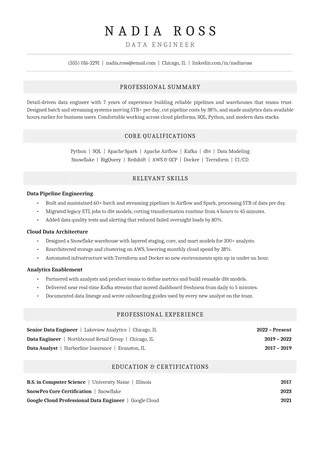
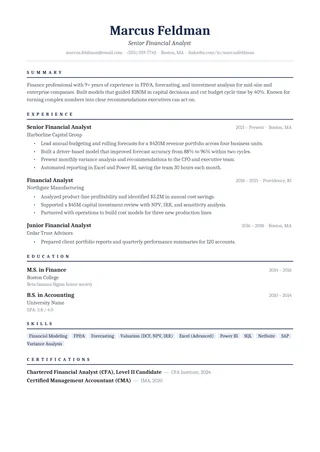
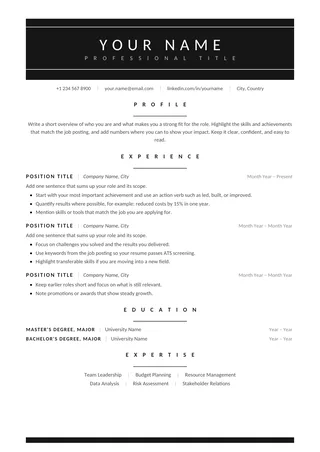
- Centered ATS Resume: a traditional look with a centered header (one page).
- Classic Professional ATS Resume: traditional employers and conservative fields (one page).
- Clean One-Column ATS Resume: a classic serif look with lots of room for experience (one page).
Or see the full list of classic ATS resume templates.
Final check for this layout
Use consistent dates and put the most recent work first. Before submitting, check the final file's selectable text and follow the employer's upload instructions. For practical help, use the ATS resume format guide and our ATS resume guide.