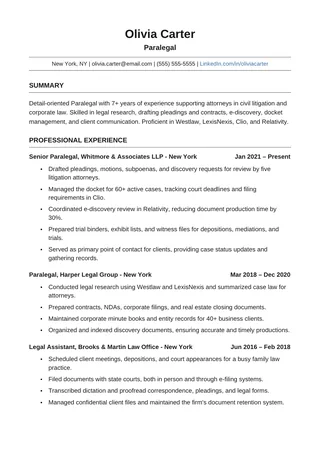
Two PagesMinimalist
Minimalist ATS Resume
Give a longer work history enough breathing room without adding graphics or sidebars.
Edit a free ATS resume template in your browser. Choose a design with readable sections, make your copy, and review headings and dates before exporting.
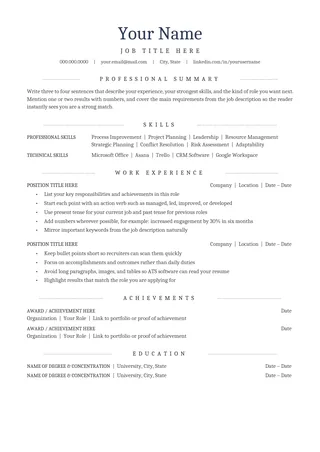
Give a longer work history enough breathing room without adding graphics or sidebars.
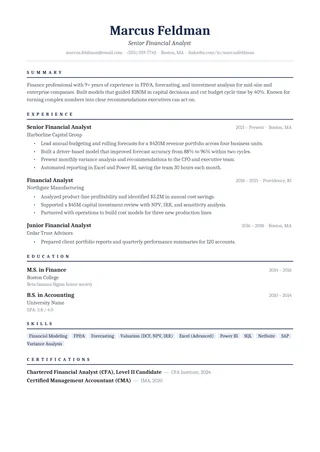
Keep a formal appearance with a simple vertical reading order and restrained lines.
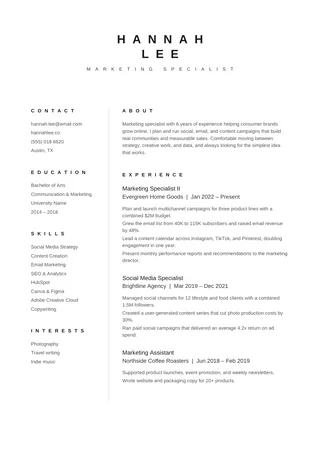
Use a concise page with skills close to the employment history. This layout has a narrow secondary skills column.
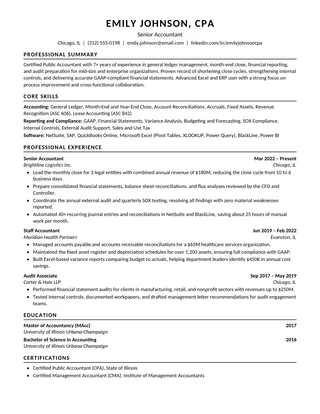
Put the substance of your application ahead of decoration: recognizable headings and a clear progression through sections.
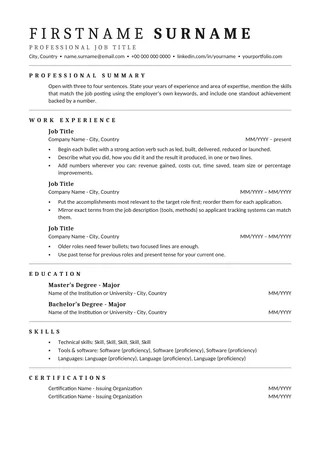
Use its light rules and generous space to emphasize achievements without introducing layout complexity.
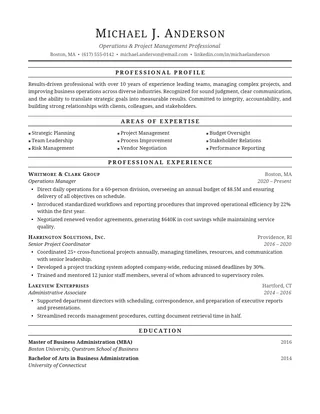
Choose familiar typography and conservative spacing for a straightforward application.
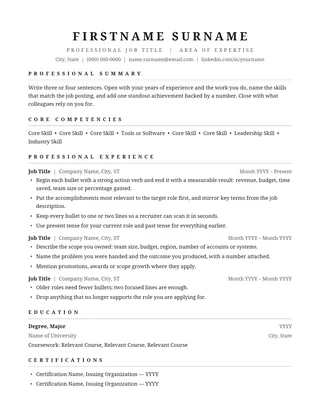
Fit a focused resume on a page using clean spacing, ordinary headings, and no decorative extras.
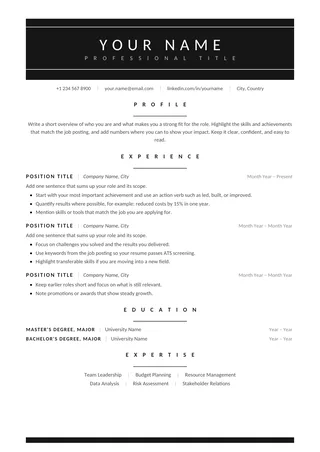
Create a quiet, readable document that leaves attention on the experience and skills.
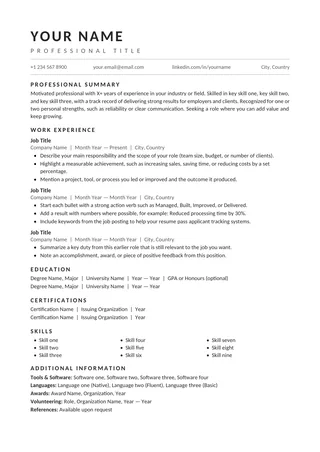
Arrange summary, experience, education, and skills in the familiar order used by recruiters.
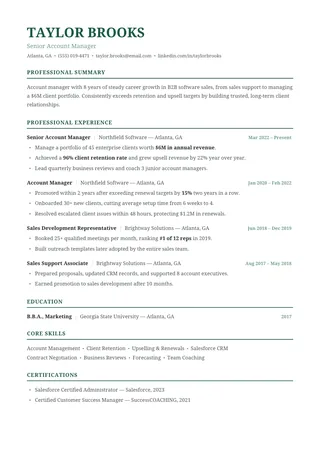
Show career progression clearly without relying on a split layout or visual timeline.
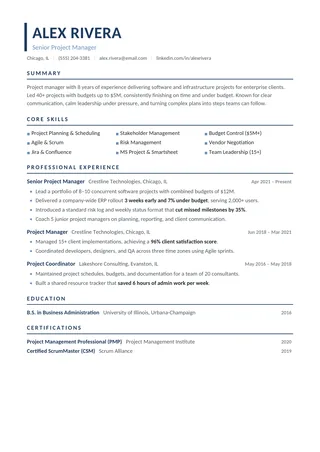
Keep technical tools and projects readable alongside the roles where you used them.
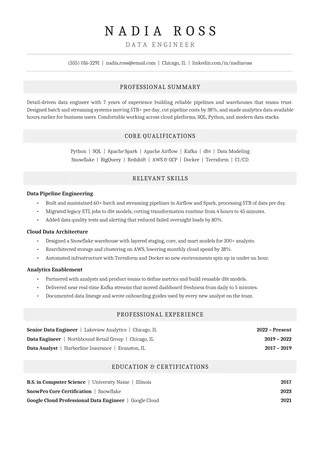
Combine a familiar visual hierarchy with a single-column employment record.
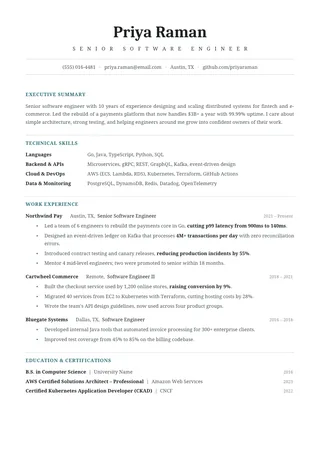
Adapt the same understated structure to different experience levels without changing its basic reading order.
Use a formal visual center line while keeping the information in a single column.
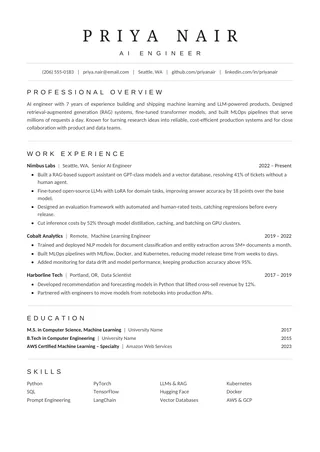
Keep the most relevant qualifications visible on one page without letting cramped formatting obscure the evidence.
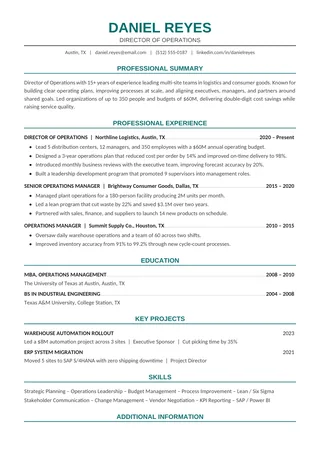
Present leadership results with a clean single-column structure and subtle accent color.
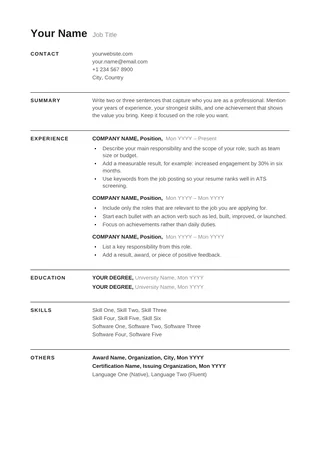
Choose the most stripped-back option: black type, ordinary section labels, and no decorative rules.
No templates found
Try a simpler keyword or clear the selected filter.
Open the design you want, create an editable copy, and replace the sample content with your own experience. Keep the section hierarchy consistent rather than adding text boxes or graphics. Review fonts, dates and page breaks before exporting.
For online job applications, upload the type of file requested by the employer. If PDF is allowed, verify that the text is selectable; if DOCX is required, send the DOCX. Neither file format is universally best for every ATS.
ATS formatting checklist →A Google Docs ATS resume template is useful when you want to edit from a browser without rebuilding the page structure. Open an available document, make your own copy, then replace every sample detail. Google Docs saves edits automatically, but you should still export and inspect a final file before applying.
Many shared templates open in view-only mode. Choose “Make a copy” when prompted, or use File → Make a copy if that option is available. Give your document a clear name. Work on the copy so the base layout remains intact for future applications. You may need to sign in to a Google account for copying.
Keep familiar labels such as Work Experience, Education, and Skills. Edit content inside ordinary paragraphs rather than adding new floating shapes to make the page look more interesting. If the template uses a table or narrow secondary area for alignment, test the exported reading order carefully. The visual appearance alone does not tell you how an application portal will extract the text.
When editing online, a few extra words can push the last section onto a new page. Remove repetitive bullets and unnecessary empty lines first. If the document needs a second page because the experience is relevant, consider a proper two-page ATS resume template instead of shrinking everything. Open the print preview and check whether section headings are stranded at the bottom.
Use File → Download and choose a format accepted by the employer. A text-based PDF is often convenient when PDF is permitted; DOCX is appropriate when Word is requested. Copy the exported text into a plain-text editor and inspect the sequence. If the name, dates, or experience are missing or scrambled, simplify the layout and re-export.
Yes. Open an available Google Docs template, sign in if requested, and choose Make a copy so you can edit your own version.
Yes, provided the employer accepts PDF. Export it, open the file, and verify the reading order and text selection.
No template can guarantee that result. Good structure helps parsing, while content relevance still matters.