ATS RESUME TEMPLATE
Free Centered ATS Resume Template
Google DocsMicrosoft WordOne Page
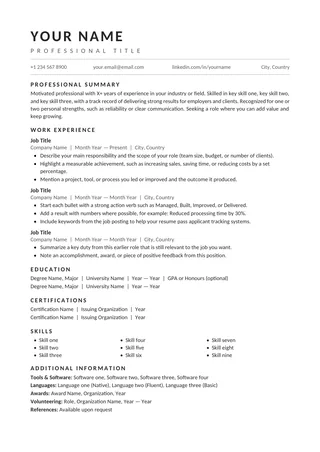
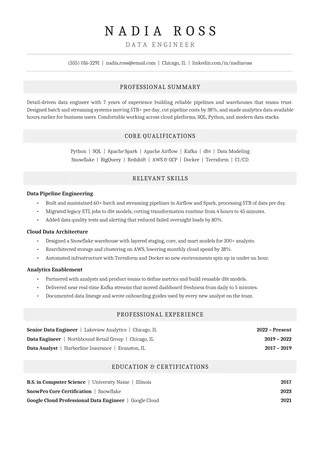
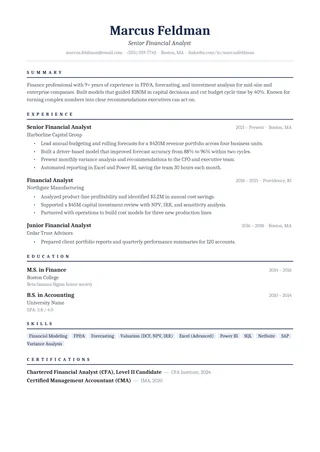
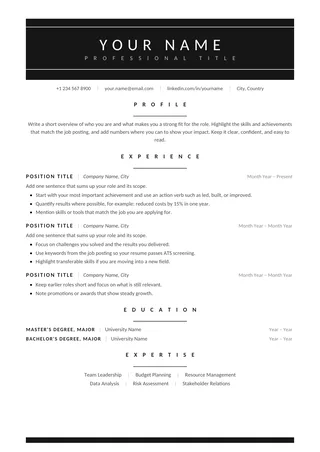
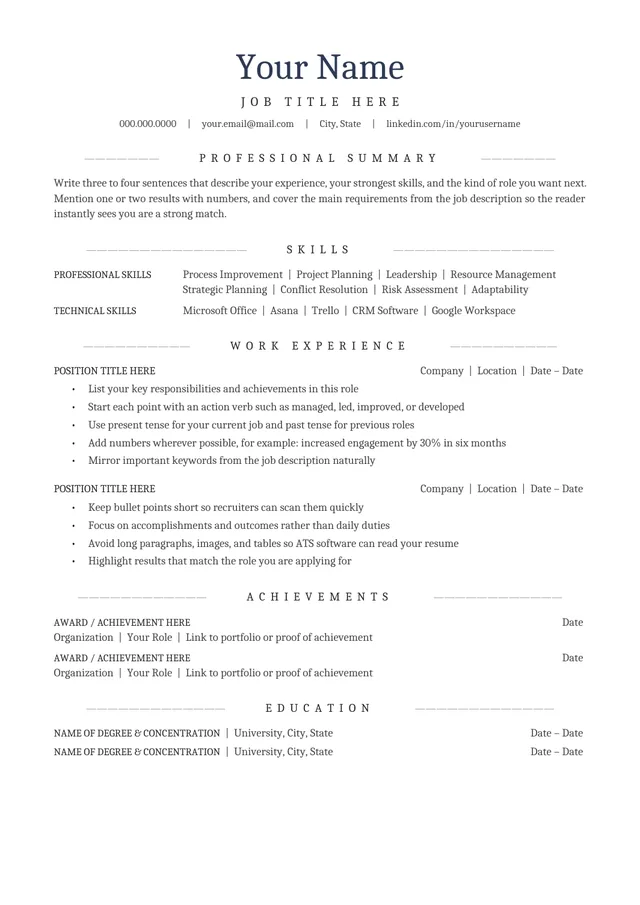
Centered Cambria headings in a single-column layout
Centered ATS Resume combines a centered name block and section headings with a one-column A4 document. It brings a formal symmetry to the page while leaving jobs, dates, and education in a vertical structure. Applicants who prefer classic typography can use it without adopting a split layout.
No payment or registration is required to browse the templates. Google Docs may ask you to sign in to create an editable copy.
Template details
- Best for
- A traditional look with a centered header
- Length
- One page
- Design
- Centered header and Cambria type
- Category
- Classic ATS Resume Templates
- Layout
- Single column
- Formats
- Google Docs and Microsoft Word (.docx)
- Price
- Free, no sign-up
USING THIS TEMPLATE
How to customize the Centered ATS Resume template
Keep only headings centered; a conventional vertical experience section makes the rest of the document easier to verify.
Separate visual centering from reading order
A centered heading can look refined, but the contents beneath it should still read from left to right and top to bottom. Keep job titles, organizations, and dates grouped consistently rather than distributing them across several floating text boxes. Centering is best reserved for the name and section labels. The career story should remain easy to follow even when the formatting disappears in a plain-text extraction.
Make the top contact block usable
Contact details should be immediately visible and selectable. Add a professional email address and location at the appropriate level of detail, plus a portfolio or LinkedIn link when useful. Do not add a photo or icon-only contact links just to fill the centered header. A recruiter and an ATS need the underlying text, not an interpretation of symbols. After editing, check that any hyperlink still leads to the intended address.
Keep the formal tone without filler
Cambria headings and symmetrical spacing work best with concise content. Use clear, specific statements for each role and enough white space to separate employers. Avoid squeezing more information into centered title lines than they can comfortably hold. A strong application does not need an exaggerated objective, a block of personality traits, or an elaborate “about me” statement. Let measurable results and relevant responsibilities provide the substance.
Test the document after changing alignment
If you adjust page margins or replace the fonts, the title and section headings may wrap unexpectedly. Review the output on A4 at normal zoom and inspect the PDF for awkward breaks. Copy its contents to plain text, paying particular attention to the centered contact area. If the extraction is out of order, rebuild that area with simple paragraphs. Symmetry should improve the visual appearance, not complicate an employer’s ability to read your details.
Similar ATS resume templates to compare
If this layout doesn’t quite fit your experience, these are close alternatives:
- Chronological ATS Resume: steady career progression in one field (one page).
- Classic Professional ATS Resume: traditional employers and conservative fields (one page).
- Clean One-Column ATS Resume: a classic serif look with lots of room for experience (one page).
Or see the full list of classic ATS resume templates.
Final check for this layout
Make sure text is selectable after export; decorative centering is not a substitute for readable headings. Before submitting, check the final file's selectable text and follow the employer's upload instructions. For practical help, use the ATS resume format guide and our ATS resume guide.