ATS RESUME TEMPLATE
Free One-Column ATS Resume Template
Google DocsMicrosoft WordOne Column
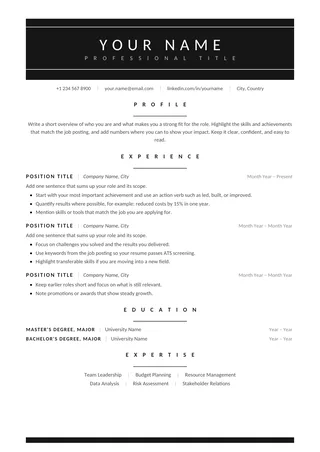
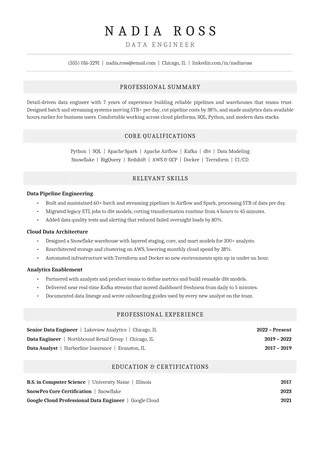
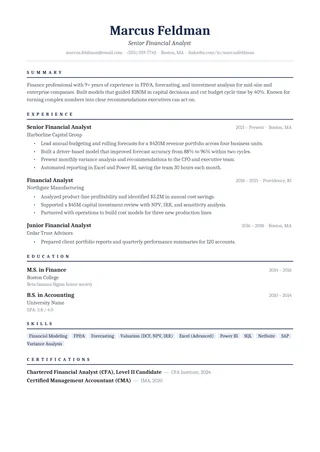
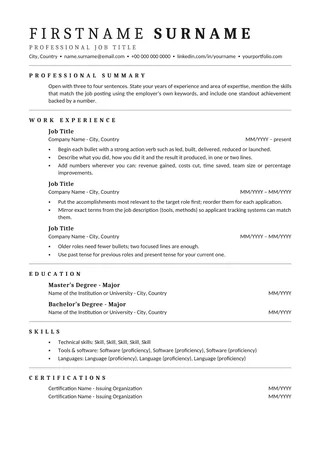
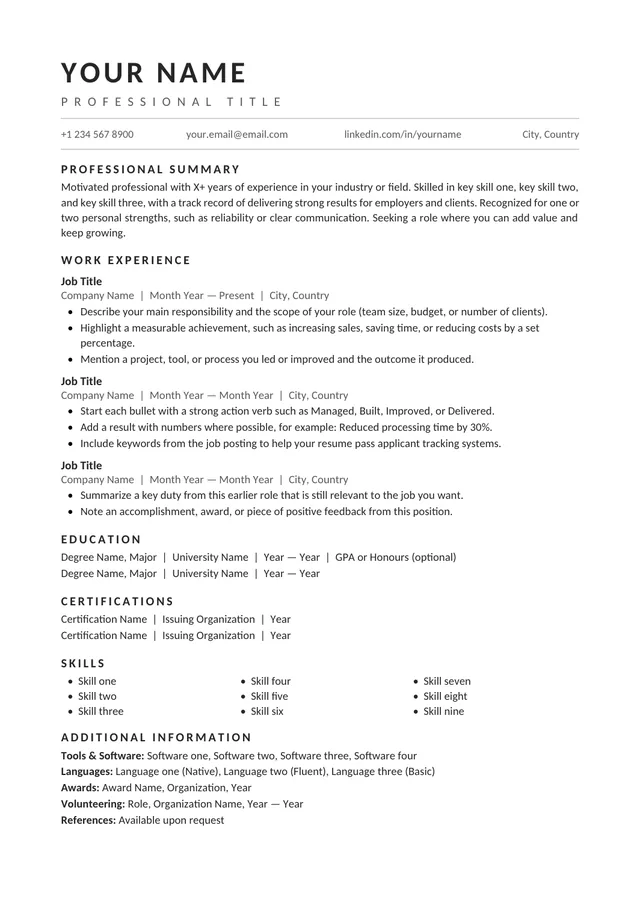
A continuous one-column reading order
One-Column ATS Resume keeps summary, experience, education, and skills moving down the page without a competing sidebar. It is designed for clear reading on screen and for exports that need predictable text order. That simple structure gives you freedom to focus on what you have done rather than where to place each element.
No payment or registration is required to browse the templates. Google Docs may ask you to sign in to create an editable copy.
Template details
- Best for
- Career changers who need a simple reading path
- Length
- One page
- Design
- Single reading path
- Category
- Classic ATS Resume Templates
- Layout
- Single column
- Formats
- Google Docs and Microsoft Word (.docx)
- Price
- Free, no sign-up
USING THIS TEMPLATE
How to customize the One-Column ATS Resume template
Use the single-column reading order to keep the job timeline and supporting skills unmistakable.
Maintain a single reading sequence
Keep contact information at the top, followed by relevant summary content and reverse-chronological employment history. Resist moving certifications or skills into a floating right-hand column. A vertical document is easier to verify because there is one obvious path for both the recruiter and the text extraction tool. If you add optional sections, place them where they make sense for your background rather than following an arbitrary checklist.
Group information that belongs together
Each position should be readable as one unit: title, organization, location if relevant, dates, then achievements. Inconsistent placement can cause dates to be mistaken for the adjacent job, especially when lines wrap. Keep enough spacing between positions to show where one ends and the next begins, but avoid wide blank gaps that waste space. Where possible, use consistent formatting for all roles so a reader can skim without relearning the layout.
Tailor the skills section to the application
A skills section is useful when it summarises evidence elsewhere in the resume. Select skills you genuinely have and, for significant requirements, demonstrate them in experience bullets or projects. Do not repeat the same keywords in several places simply because a job posting lists them repeatedly. If you are changing careers, add a concise project section to make transferable capabilities visible. A single-column layout makes such additions relatively easy without disturbing the rest.
Confirm the parser-friendly basics
Save a test export and paste its text into a blank editor. The resulting sequence should follow the visible top-to-bottom layout, without duplicated lines or missing headings. If dates or contact details disappear, check whether they were placed in a special field. Use the file type accepted by the employer and review the upload preview when one is available. ATS-friendly formatting helps reduce ambiguity; it does not replace honest, relevant experience.
Similar ATS resume templates to compare
If this layout doesn’t quite fit your experience, these are close alternatives:
- Centered ATS Resume: a traditional look with a centered header (one page).
- Chronological ATS Resume: steady career progression in one field (one page).
- Classic Professional ATS Resume: traditional employers and conservative fields (one page).
Or see the full list of classic ATS resume templates.
Final check for this layout
Check that employer names, titles, and dates remain associated when copied into plain text. Before submitting, check the final file's selectable text and follow the employer's upload instructions. For practical help, use the ATS resume format guide and our ATS resume guide.